
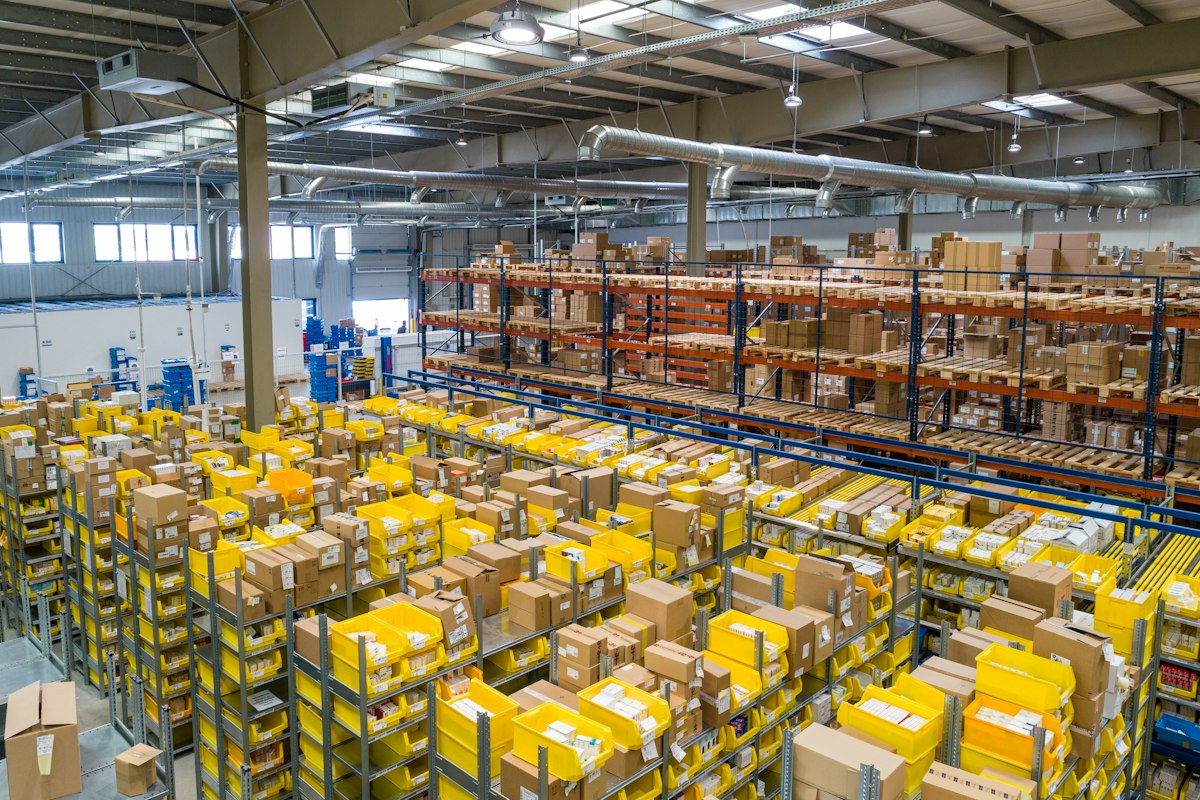
The Multi-Location Problem
As businesses grow, equipment spreads out — head office, regional warehouses, engineers' vans, job sites, and the spare cupboard nobody talks about. Each location becomes a blind spot, and the gaps between them are where equipment quietly disappears.
Why Spreadsheets Fail at Multi-Site
A spreadsheet can list what you own, but it can't tell you where it is right now. The moment an item moves from Site A to Site B, every copy of that spreadsheet is wrong until someone remembers to update it — and they usually don't.
What Good Multi-Location Management Looks Like
1. Every Item Has a Home
Each asset belongs to a defined location — a building, a room, a vehicle, even a person's home office. When you look at any item, its current location is part of its identity, not a note in a margin.
2. Transfers Are Events, Not Edits
Moving equipment between sites should be a recorded transfer with a date and a person — not a silent cell edit. A movement history per item answers "when did this leave Manchester?" instantly.
3. Per-Site Visibility
Managers should be able to filter any view to a single location: what does the Leeds site hold, what's in transit to it, and what's overdue there?
4. Local Accountability, Global Oversight
Site supervisors manage their own stock while head office sees the consolidated picture. Access controls mean each location sees what it needs without exposing everything to everyone.
The Payoff
Businesses with true multi-location tracking stop buying duplicate equipment "just in case", recover items faster when projects end, and run inter-site stock takes without phone calls. One company we worked with found £14,000 of idle equipment at a depot they'd forgotten existed.
Getting Started
Create your locations first, then migrate stock site by site. Stocktric lets you bulk-import per location, so each site's data lands in the right place from day one.